
How to Turn Your Documents into AI Videos with Google NotebookLM
Here’s an excellent AI tool from Google to help you go from documents to video (or slides, infographics, or audio) in one click.
This isn’t just another AI chatbot. It’s a content factory grounded in YOUR expertise. It’s almost like it can “read my mind” (and my documents). I’ve been experimenting with Google’s NotebookLM since it came out, and the recent updates are impressive. It’s time for a quick demo of what this can actually do for your workflow.
What is Google NotebookLM? (And How It Differs from Gemini)
Most people use AI to search the web or generate generic text. But NotebookLM is different: It only knows what you give it.
You upload your “sources”—these could be books you’ve written, PDFs, articles, or slide decks. The AI then stays “grounded” in that specific data. It doesn’t pull from the random noise of the internet; it pulls from your unique perspective and research.
Transforming Your Library: From Static Documents to Dynamic Video
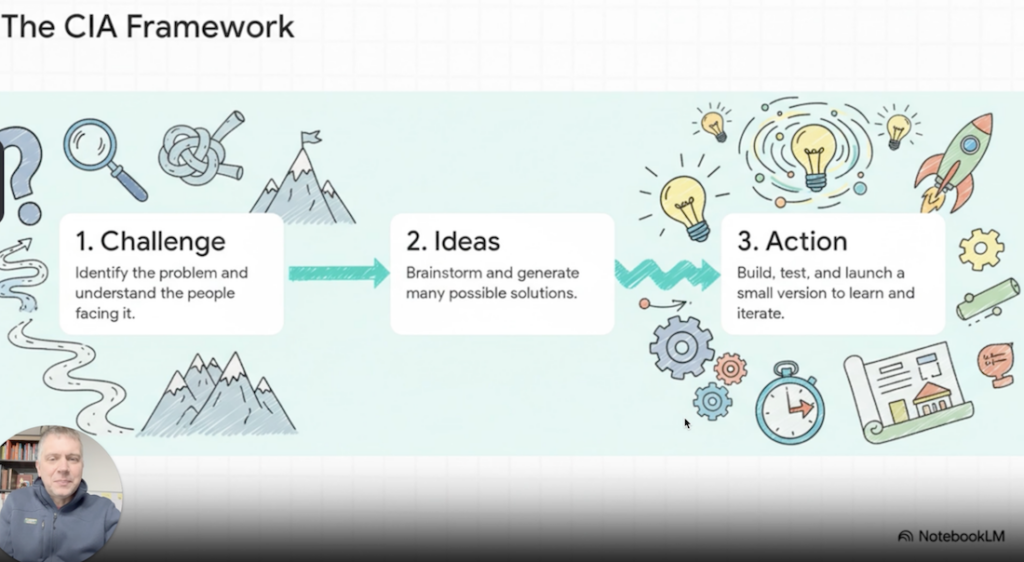
If you have a library of content and need to repurpose it into video or presentations instantly, this is the tool to use. I uploaded my complete collection of materials on Innovation and Design Thinking, and with one click, it generated a full video overview of my work.
3 Reasons Why NotebookLM is a Game-Changer
Context is King: It didn’t pull generic “innovation” tips from the web. It used my specific “Acorn” metaphor and synthesized the “Innovator’s Journey” exactly how I teach it.
Multi-Format: Beyond video, it’s now building slide decks, infographics, and those viral NPR-style podcasts.
Accuracy & Citations: Because it’s grounded in your sources, it cites exactly where the ideas came from. You can click a claim and see the exact page in your document that supports it.
Grounded AI: Keeping Your Unique Frameworks Intact
The power of this tool is its ability to recognize stories and anecdotes. It knows the “good ones” to pull out. In my demo, it picked up on the metaphors I’ve developed over years of facilitation, ensuring the output sounds like my brand, not a generic robot.
Watch the Demo: Creating an Innovation Video in Seconds
Check out the demo below where I create a video with NotebookLM.
Check out the demo linked below to see the video it created.