Every search term typed into Google represents a person trying to solve a problem, learn something, or find help. Taken together, those searches form one of the largest sources of customer evidence available, and Google Trends lets anyone explore it. For teams using design thinking, it adds a “10,000-foot view” to the close-up insight you get from interviews and conversations.
This guide shows how to use Google Trends for market research and product ideas: checking whether interest in a topic is rising, comparing the words people use, and finding related searches that point to new products or services. It includes a short video lesson from Darin Eich’s Starting with Design Thinking course.
In this lesson, Darin Eich shows how search trend data fits into design thinking and how to read rising and related searches.
Why Search Data Belongs in Customer Research
Design thinking starts with empathy, usually through conversations and observation. Those methods give you depth: the stories, emotions, and context behind a need. Search data gives you breadth. It shows how many people are looking for something, how that interest changes over time, and which specific phrases they use. Used together, they keep a team from building for a need that is real but tiny, or large but fading.
Search is also a stage on many customer journeys. If your future customers start by typing a question into Google, the exact wording of that question matters for what you build and how you describe it.
Four Ways to Use Google Trends
1. Check the direction of interest
Enter a term that describes the problem or topic you serve and set the time range to five years or more. Google Trends shows relative interest on a scale of 0 to 100. A steady climb suggests a growing need. A long decline suggests you may be designing for yesterday’s problem. Interest in “design thinking” itself, for example, grew several times over across a decade.
2. Compare the words people use
Add two to five related terms to compare them side by side. You may find that customers search for “team building activities” far more than “collaboration workshop,” or “customer journey map” more than “experience map.” The winning term is often the one to use in your offer name and page titles.
3. Read related queries
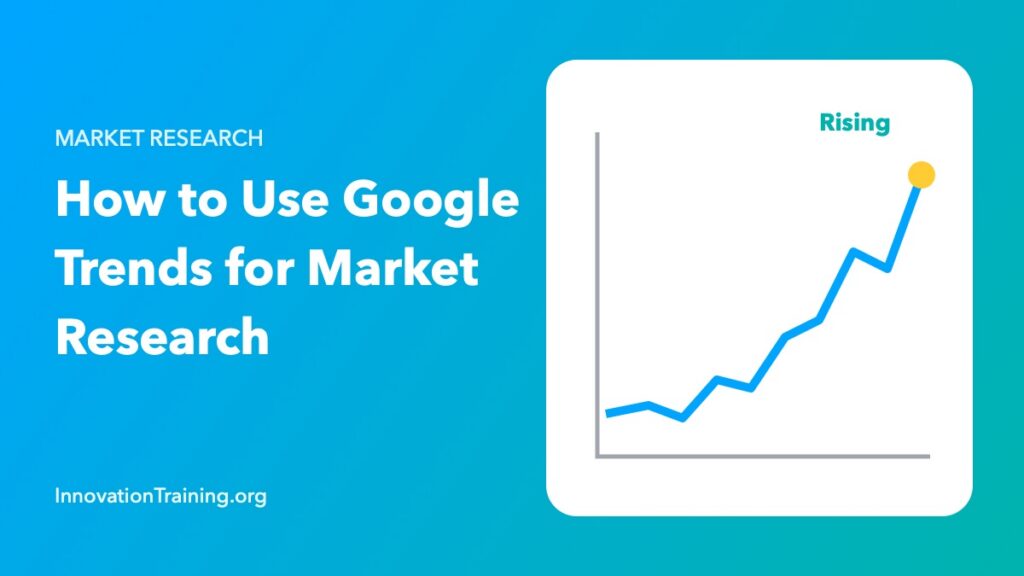
Below the chart, Google Trends lists related queries. Switch to “Rising” to see searches that are growing fastest, including those labeled “Breakout,” which means a very large increase. Related queries often reveal the specific form people want: a course, a workshop, a template, a certification, or a tool. Each is a potential offer.
4. Check where interest is
The regional view shows where a topic is searched most. For a business that serves certain regions or delivers in person, this can shape where you market or where you hold an event.
A Short Exercise to Try
- Write down three terms that describe the problem your customers have, in their words.
- Compare them in Google Trends over five years.
- For the strongest term, list the top five rising related queries.
- For each rising query, write one idea for a product, service, or piece of content that would meet that need.
- Pick one idea and test it with two or three real customers this week.
The last step matters. Trends tell you where interest is growing. Conversations tell you why, and whether your idea fits. Pair this exercise with the sources in our guide to finding customer insights you already have.
Limits to Keep in Mind
- Google Trends shows relative interest, not absolute search volume.
- Low-volume niche terms may show no data at all, even if they matter to your customers.
- Rising interest does not prove people will pay. Validate with real customers before investing heavily.
Three Ways to Go Further
- Bring a workshop to your team. Our design thinking workshops combine customer research, idea generation, and prototyping on your team’s real challenge.
- License the course for a group. Give a cohort access to the full program. Contact us about group access.
- Learn at your own pace. The Starting with Design Thinking course includes this lesson plus personas, journey mapping, and a full live workshop recording.
What search term would your best customer type on the day they first need you?