

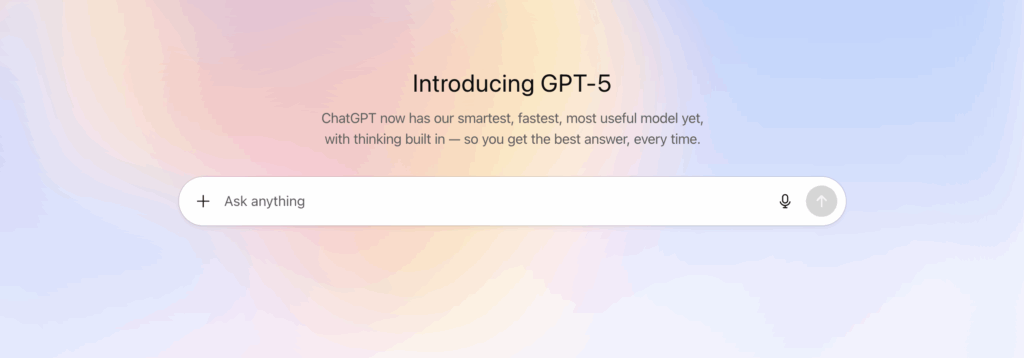
When GPT-5 arrived in ChatGPT in August 2025, we created this guide to help people get better results from the new model. ChatGPT has kept evolving since then, so we’ve updated it with prompting practices that work across GPT-5 and the newer models that followed. The good news: the fundamentals of a great prompt have stayed remarkably consistent, even as the models have become more capable.
Use this guide for practical tips, a simple prompt formula, and ready-to-use prompt examples for leaders, facilitators, and teams. For more practice, see our ChatGPT prompting tip guides, our strategies to get better AI prompt results, and the free GPT Prompt Trainer Coach.
What’s changed since GPT-5
OpenAI has released several updates to ChatGPT since GPT-5, and in September 2026 it introduced GPT-6 Astra as its newest flagship model. Model names and plan options change often, so check the model picker in your ChatGPT account to see what’s available to you. A few shifts matter most for how you prompt:
- More thinking when you need it. Newer ChatGPT models can spend more effort reasoning through hard problems. Give complex tasks room to think, and use faster settings for quick, simple requests.
- Better at following detailed instructions. Clear goals, constraints, and formats are followed more reliably, so it pays to be specific.
- More willing to act. Current models tend to carry a task through to a finished result. Say so if you want questions or a plan first.
A simple prompt formula
OpenAI’s own prompting guidance recommends starting with full context. A reliable structure is:
| Part | What to include | Example |
|---|---|---|
| Role and context | Who the AI should act as and the situation | “You are an experienced workshop designer helping a hospital leadership team.” |
| Task | Exactly what you want done | “Design a 90-minute workshop agenda on improving patient handoffs.” |
| Constraints | Audience, limits, must-haves, and things to avoid | “20 participants, in person, include two interactive activities, no lecture longer than 10 minutes.” |
| Output format | Length, structure, and style | “Return a table with time, activity, purpose, and materials.” |
| Examples (optional) | A sample of what good looks like | “Here is an agenda we liked from a past session: …” |
9 prompting tips for ChatGPT
1. Treat ChatGPT as a co-creator
Think of ChatGPT as a capable collaborator rather than a search box. Share your goal, your thinking so far, and what a great result would look like, then build on its response together.
2. Be specific about the outcome
Vague prompts get generic answers. Instead of “Give me team building ideas,” try “Suggest five 10-minute team building activities for a remote engineering team of 12 that has just merged with another team.”
3. Provide context and constraints
Tell ChatGPT who the audience is, what has already been tried, and what limits apply, such as time, budget, tone, or length. Constraints make the output more usable, not less creative.
4. Break big tasks into steps
For complex work, ask for one piece at a time: first the goals, then the outline, then the details. Reviewing each step keeps the result on track.
5. Match the level of thinking to the task
For strategy, analysis, or multi-step problems, choose a model or setting that reasons more deeply, and ask ChatGPT to consider options and tradeoffs. For quick rewrites or simple questions, a faster setting is fine.
6. Specify the format and length
Ask for a table, a bulleted list, a one-page summary, or a script. Say how long it should be. Clear format requests save editing time.
7. Decide whether you want questions or action
If the task is ambiguous, add “Ask me up to three clarifying questions before you start.” If you want a draft right away, say “Make reasonable assumptions and note them at the end.”
8. Iterate instead of starting over
Treat the first response as a draft. Follow up with targeted requests like “Make the activities more hands-on” or “Shorten this to half the length and keep the key points.”
9. Keep human judgment in the loop
Check facts, figures, quotes, and citations, especially for anything you will publish or present. Use ChatGPT to expand your thinking, then apply your own expertise and knowledge of your people to decide what to use.
ChatGPT prompt examples for leaders, facilitators, and teams
| Goal | Prompt example |
|---|---|
| Design a workshop | “Act as an expert facilitator. Create a half-day workshop agenda for 25 managers on leading change. Include an opening activity, two small-group exercises, and a reflection close. Format it as a table with timing and purpose.” |
| Generate ideas | “Generate 30 diverse ideas for improving employee onboarding at a mid-sized company. Group them into themes, then mark the three that are quickest to test.” |
| Synthesize input | “Here are 60 sticky notes from a brainstorming session. Group them into themes, name each theme, and list the key insights and open questions.” |
| Understand users | “Create three realistic user personas for first-year college students using a campus advising app. Include goals, frustrations, and a quote for each.” |
| Prepare a conversation | “Help me prepare for a difficult conversation with a team member about missed deadlines. Suggest an opening, key questions to ask, and ways to respond if they get defensive.” |
| Reflect on learning | “Write eight reflection questions for the end of a leadership retreat that help participants make meaning of the experience and identify what they want to carry forward.” |
Common prompting mistakes to avoid
- Asking one-line questions for complex tasks without context
- Accepting the first answer instead of refining it
- Forgetting to specify the audience, tone, or format
- Sharing confidential information without checking your organization’s AI policy
- Publishing AI output without reviewing facts and sources
Learn more about prompting and AI
- OpenAI’s GPT-5 prompting guide and prompt engineering documentation
- How to use AI to brainstorm and generate ideas
- AI in design thinking: how to use AI at every stage
- Thinking well with AI for bigger problems
- Top books on generative AI and ChatGPT
Want your team to use AI well? Our ChatGPT workshop builds practical prompting skills, and our AI change leadership workshop helps leaders guide AI adoption as a human and culture challenge. You can also explore the free AI Change Leadership Toolkit.